
Overview
Booktics Pabbly integration sends each booking’s customer contact to Pabbly Connect through a webhook, so you can route that data into 1,000+ apps with no code. It is useful for any site owner who wants new bookings to auto-flow into a CRM, email list, spreadsheet, or team chat.
Step 1: Create a webhook URL in Pabbly Connect
Create the trigger that receives Booktics data.
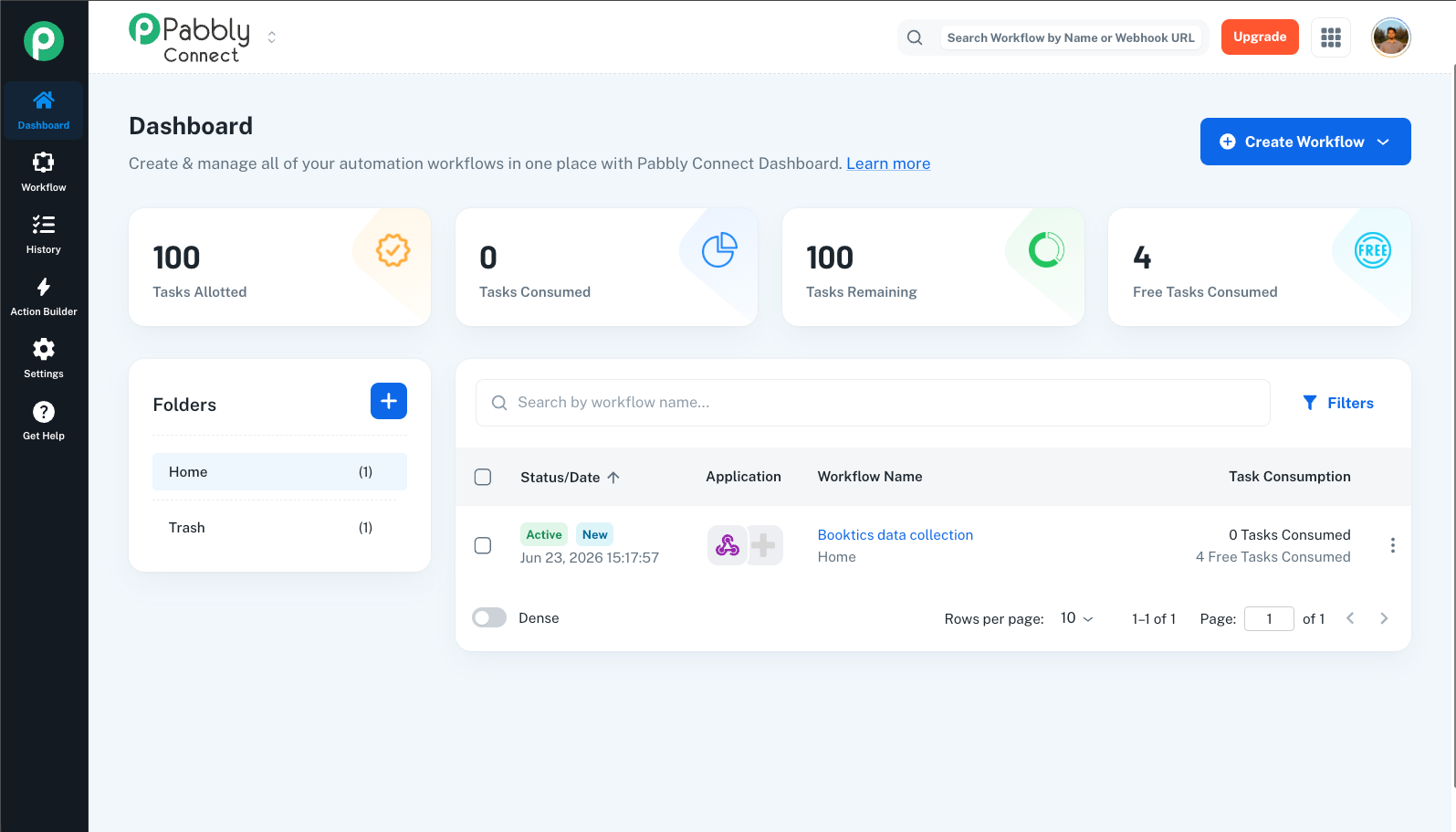
- Log in to your Pabbly Connect dashboard.
- Click Create Workflow, name it (for example Booktics Bookings), and click Create.
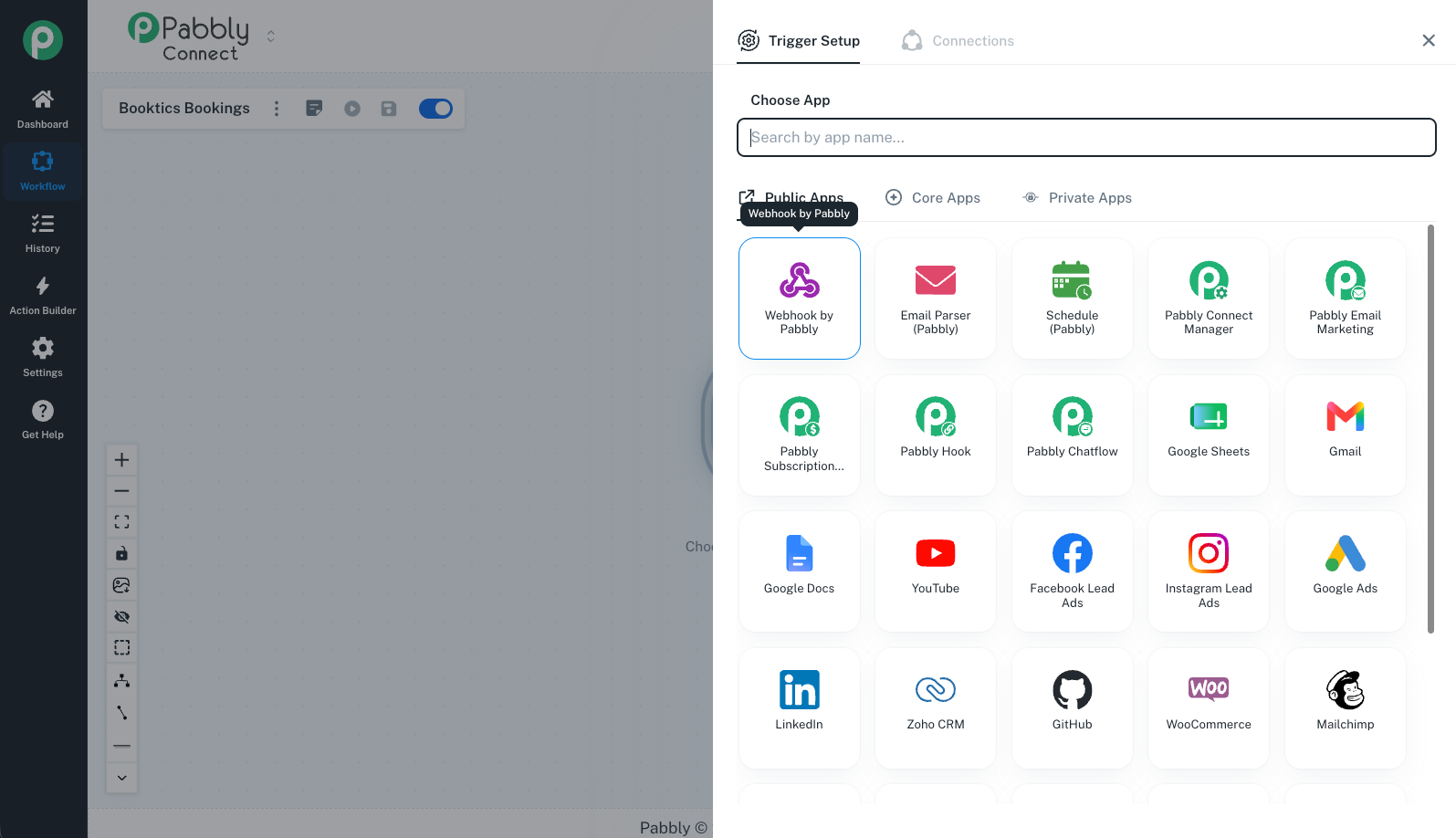
- In the Trigger step, search for and select Webhook by Pabbly.
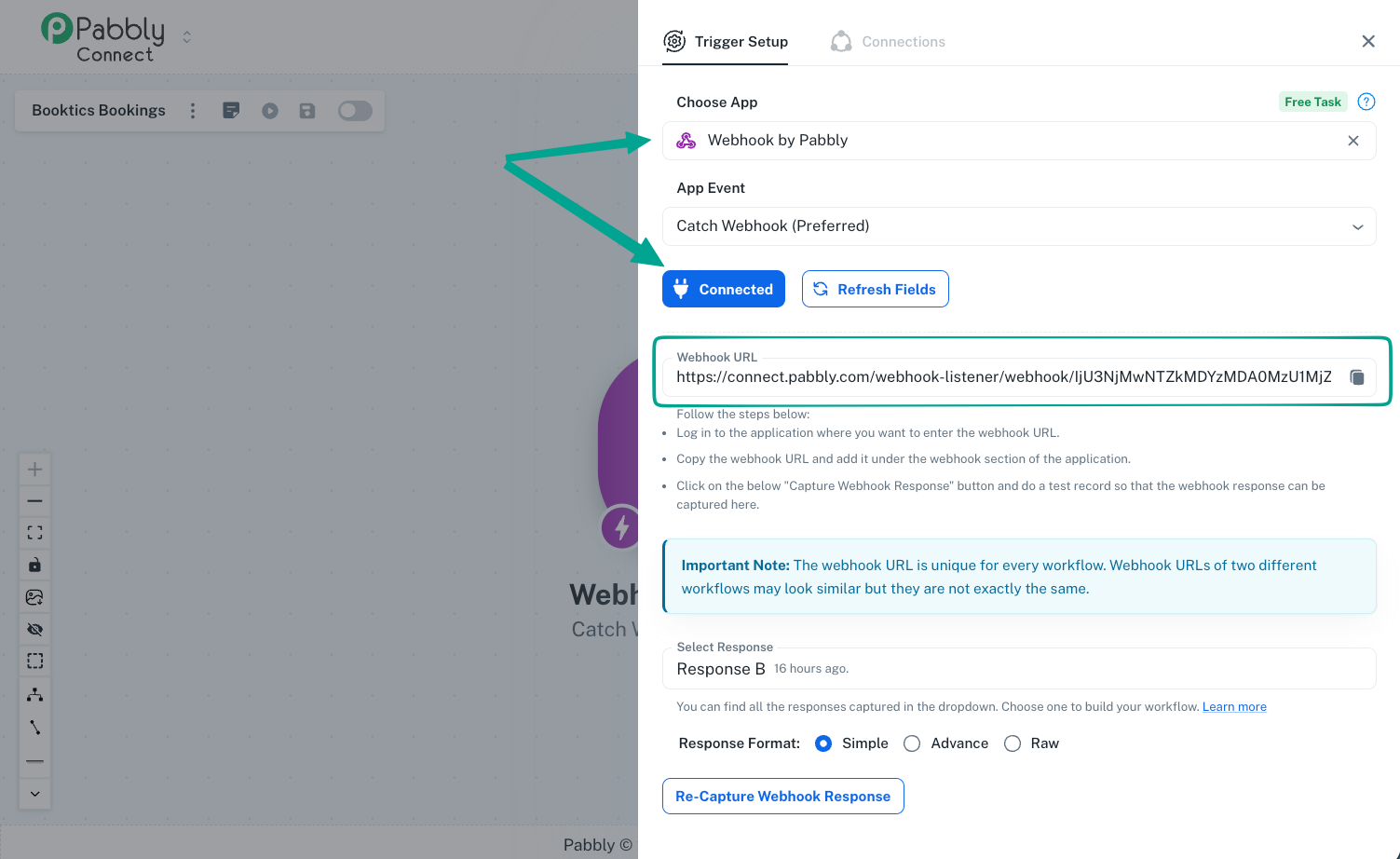
- Choose the event Catch Webhook.
- Pabbly generates a unique Webhook URL (e.g.
https://connect.pabbly.com/workflow/sendwebhookdata/...). Click Copy.
Leave the Pabbly tab open it waits for the first request so you can verify the connection later.
Step 2: Connect the webhook in Booktics
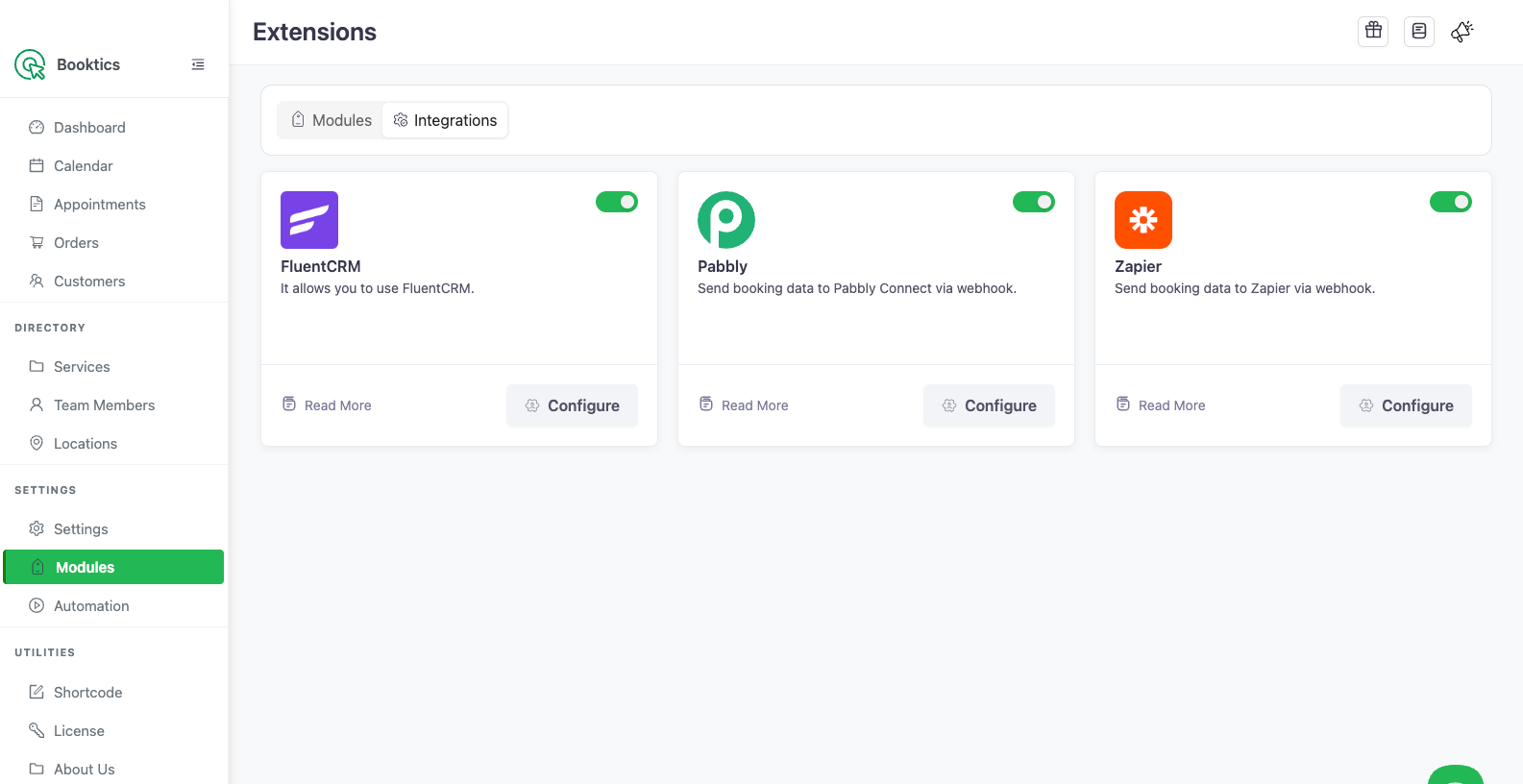
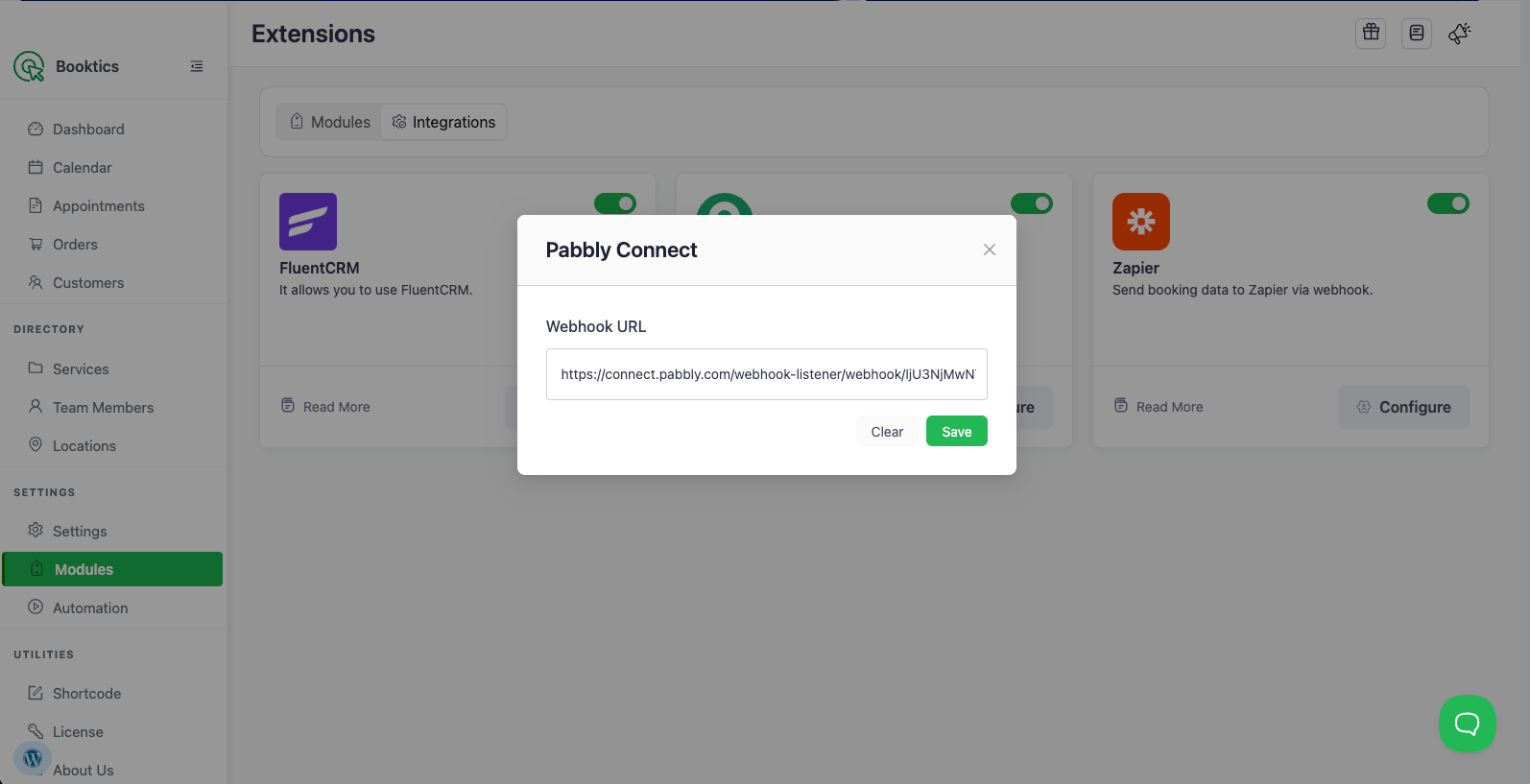
- In WordPress admin, go to Booktics → Modules and open the Integrations tab.
- Find the Pabbly card and toggle it On.
- Click Configure on the Pabbly card.
- Paste the webhook URL into the Webhook URL field.
- Click Save.
Booktics now POSTs customer data to that URL on every new booking.
Step 3: Confirm what data is sent
On each new booking Booktics sends a JSON payload with the customer contact:
| Field | Description |
email | Customer email address |
first_name | Customer first name |
last_name | Customer last name (if provided) |
status | Always subscribed |
Step 4: Test the connection
- Create a test booking on your Booktics booking page.
- Return to the Pabbly tab — the Catch Webhook step shows the received data.
- Click Save & Send Test Request, then add your action steps (CRM, email, sheet, etc.).
Frequently Asked Questions (FAQ)
| Q1: When exactly does Booktics send data to Pabbly? On every completed booking (order creation). Each new booking fires one webhook request with that customer’s contact details. |
| Q2: Why is the wrong customer showing up in Pabbly? Booktics sends the contact captured on the booking form for that specific order. If data looks off, make sure you are reading the latest request in Pabbly’s Catch Webhook step, not a cached earlier test. |
| Q3: How do I stop sending data to Pabbly? Toggle the Pabbly integration Off in the Integrations tab, or clear the webhook URL in Configure. Either stops all requests. |
Conclusion
Connect Pabbly once and every Booktics booking flows automatically into the apps you already use.