
You can configure the appointment canceling automation using the same process as appointment scheduling. Simply follow these steps:
- When creating the automation, select “Appointment Canceled ” as the trigger instead of “Appointment Scheduled”.
- Click the Create button to initiate the flow.
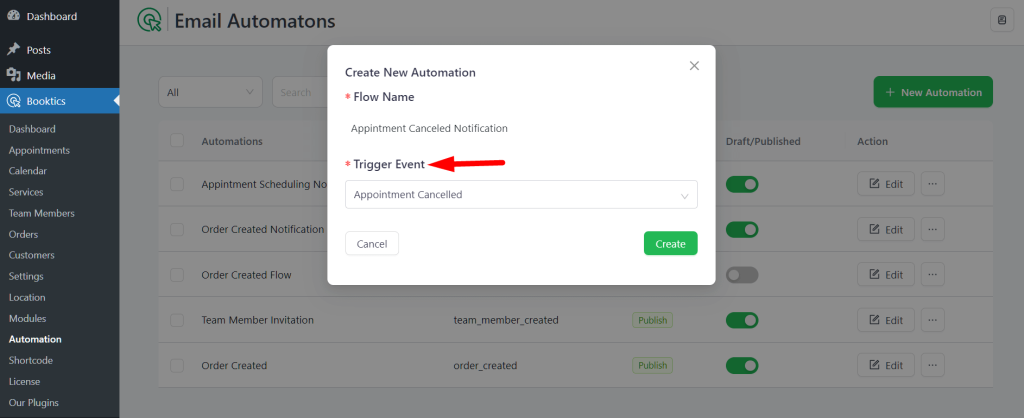
After that, follow the same steps as shown in the appointment scheduling automation documentation to complete the setup.