
Translation with Loco translator
For single-language translation, we prefer to use the Loco Translate plugin.
Step-1: First of all, install and activate the plugin.

Step-2: Make sure you have changed the site language of your translated language.
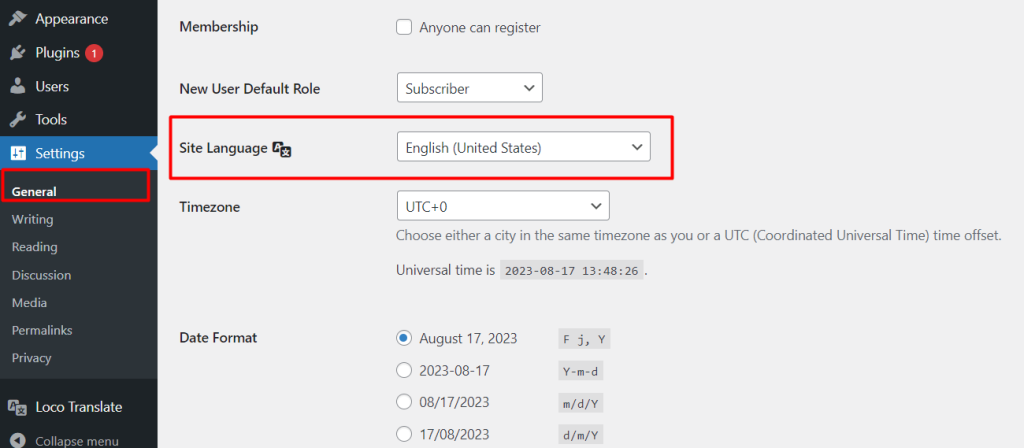
Step-3: From the Loco Translate > Plugins menu, click on the plugin name for setting up the translations.

Step-4: Choose the language you want to translate.

Step-5: Then search for the text which needs to be translated and insert the translated text.

Translated test on the frontend view
